
Deployment gallery: how sites set up their devices
This is a collection of photos showing various deployments of SiteHive Hexanodes. They are easy to deploy using the provided kit or can be adapted for custom installations to meet specific requirements.
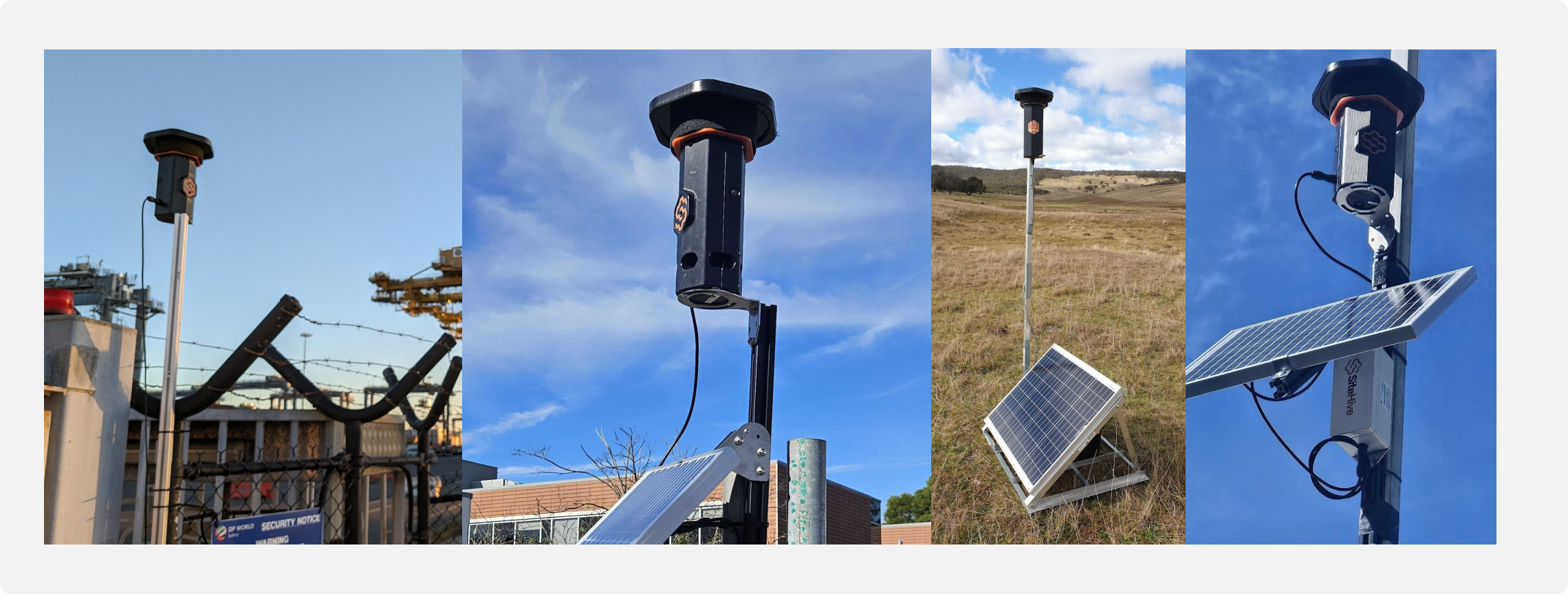
SiteHive Hexanode devices are designed for easy installation. Each device sits on a mounting bracket that allows for simple orientation adjustments, ensuring the cameras are correctly positioned, and is then secured by tightening the screws. A single cable - for power - runs from the device to mains power, or a solar & battery setup.
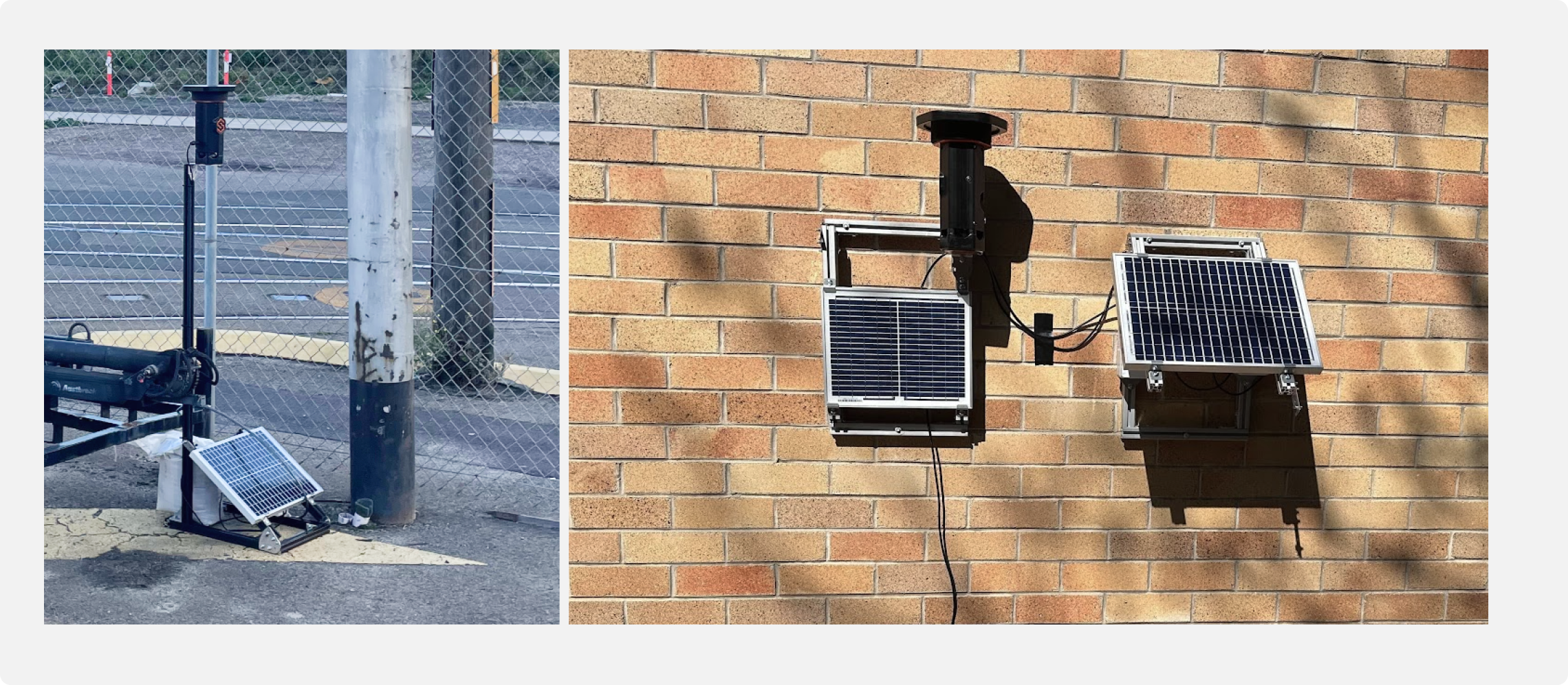
The solar setup kit provides a standalone, easily movable solution for deployments that can be placed on a ground surface. Alternatively, components can be configured for wall mounting or pole installation.
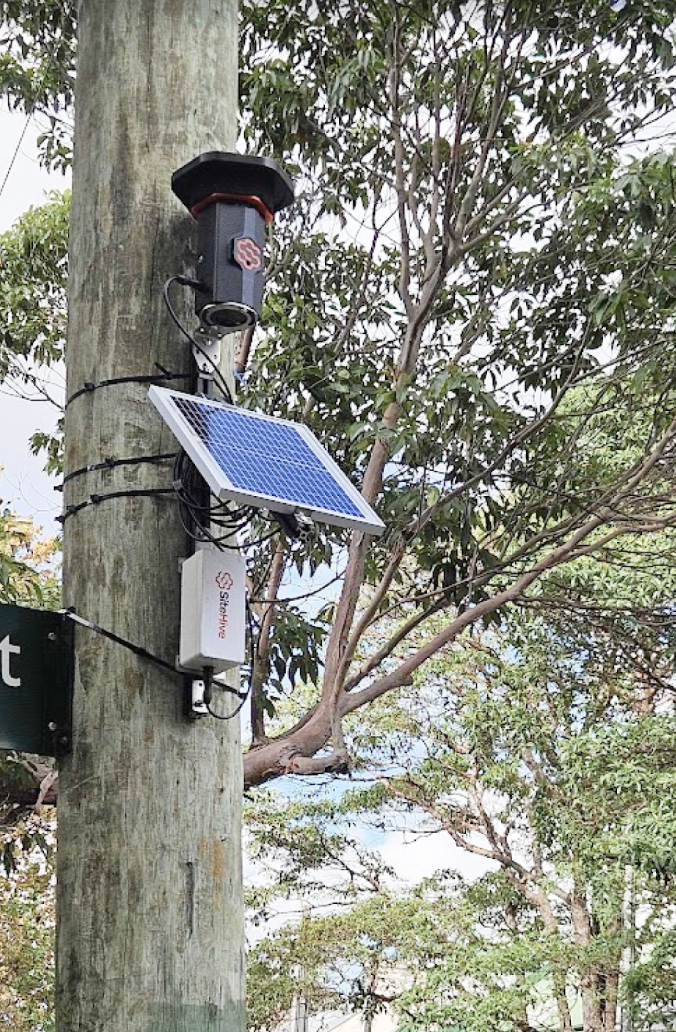
When mounting on a pole, the device, solar panel, and battery can be pre-assembled on a single piece of aluminium extrusion, and then fixed in position.