
Easy Setup and the Manage Window
Let's get your SiteHive Enviro Software set up so you can see data from your devices ASAP. We'll assume your devices are physically located out on site, and are powered and connected. If not, follow this troubleshooting guide to make sure your devices are online.
Here we introduce the Easy Setup process in the SiteHive Enviro Software, which enables you to choose a device and set it up for use in the software. We also give an overview of the Manage Window, where you can see your device power, signal and more, and manage your monitoring locations, which we call Monitoring Points.
Use Easy Setup to see your data
When setting up a new device or monitoring point location, use Easy Setup: a quick process to get a device set up and running. Access it via the Actions tab in the side panel.
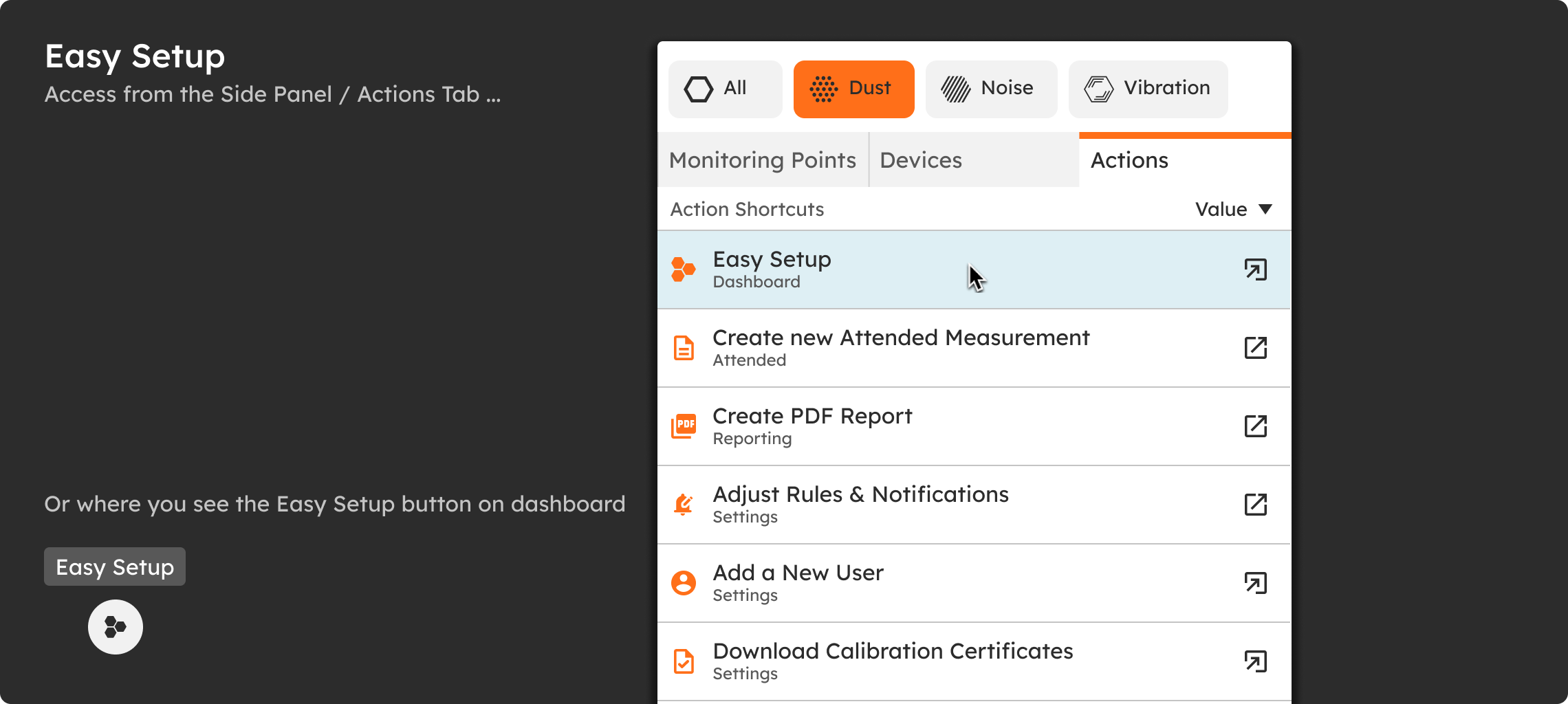
Once you start Easy Setup, you are guided through a process to select a device, select or create a Monitoring Point, and, if you wish, add rules to that location. It's an easy way to get a device up and running.
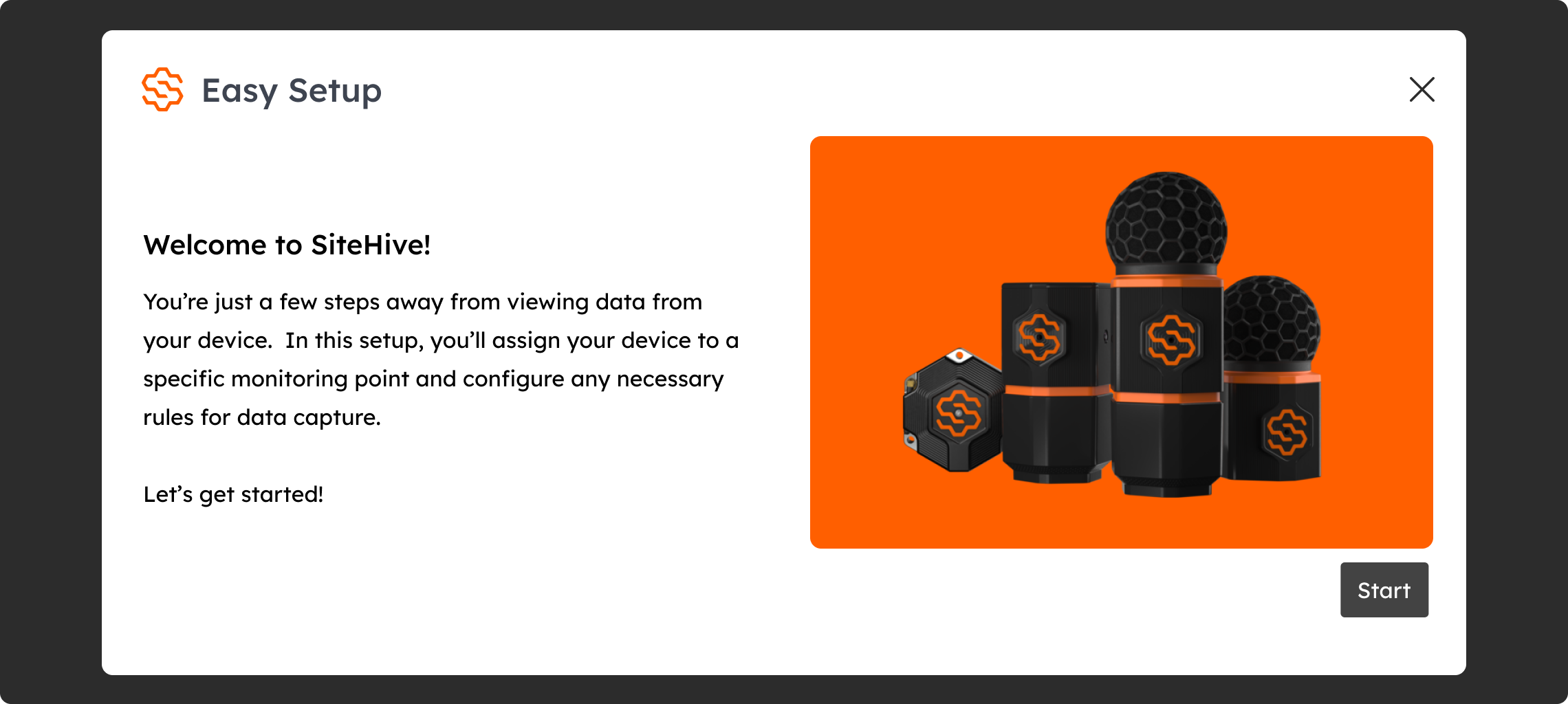
The Easy Setup process takes you through the following steps:
Select a device that you want to set up.
Choose the Monitoring Point location (from existing, or create a new one): this is where the device is located.
Confirm the dates it is located there and its orientation, which is important for Direction of Arrival data. You can adjust orientation later via Device Actions.
Your device is ready, and data will be visible on the Dashboard.
Optional: create or set a rule for this Monitoring Point.
Complete the Easy Setup process.
Manage Window - Information all in one place
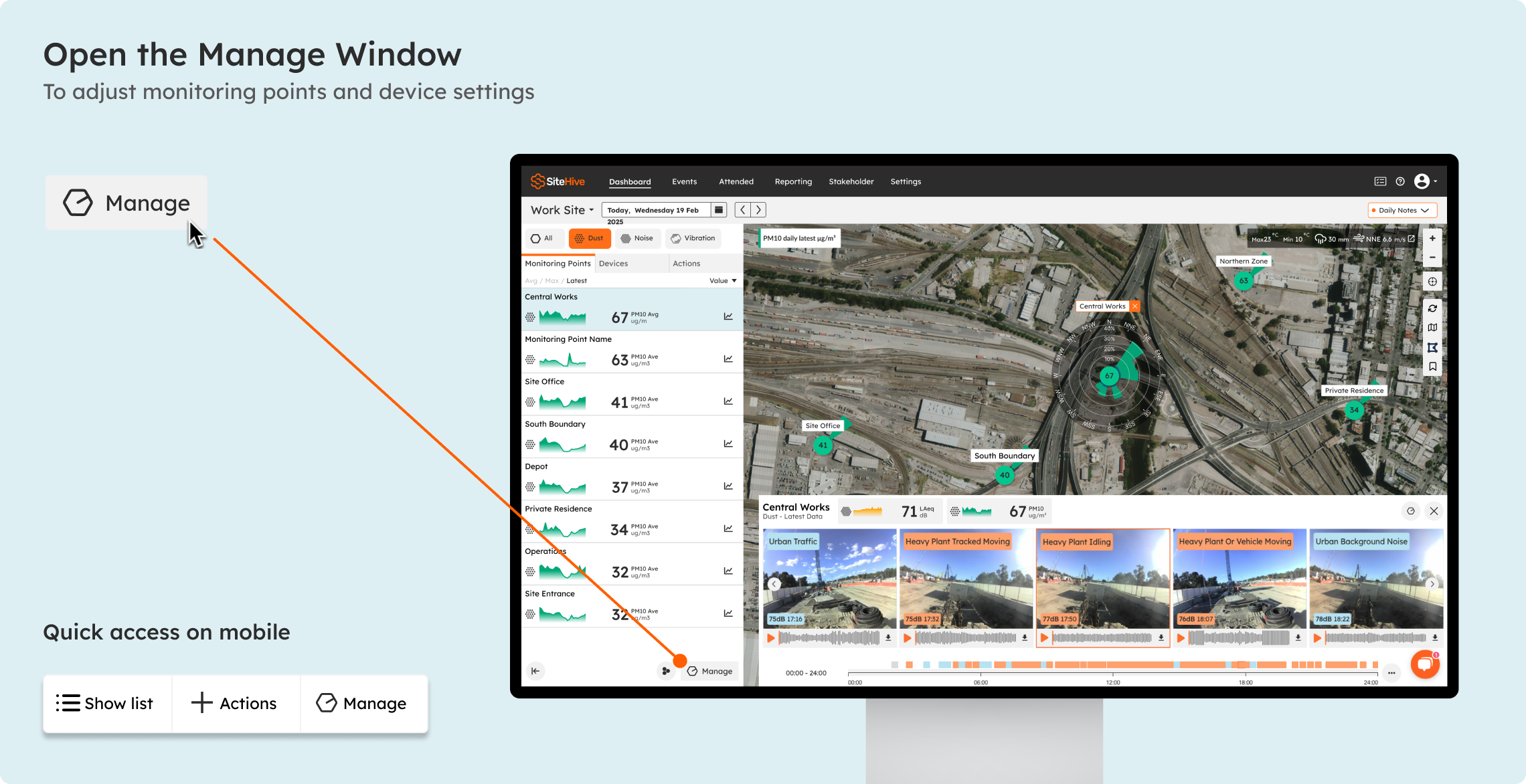
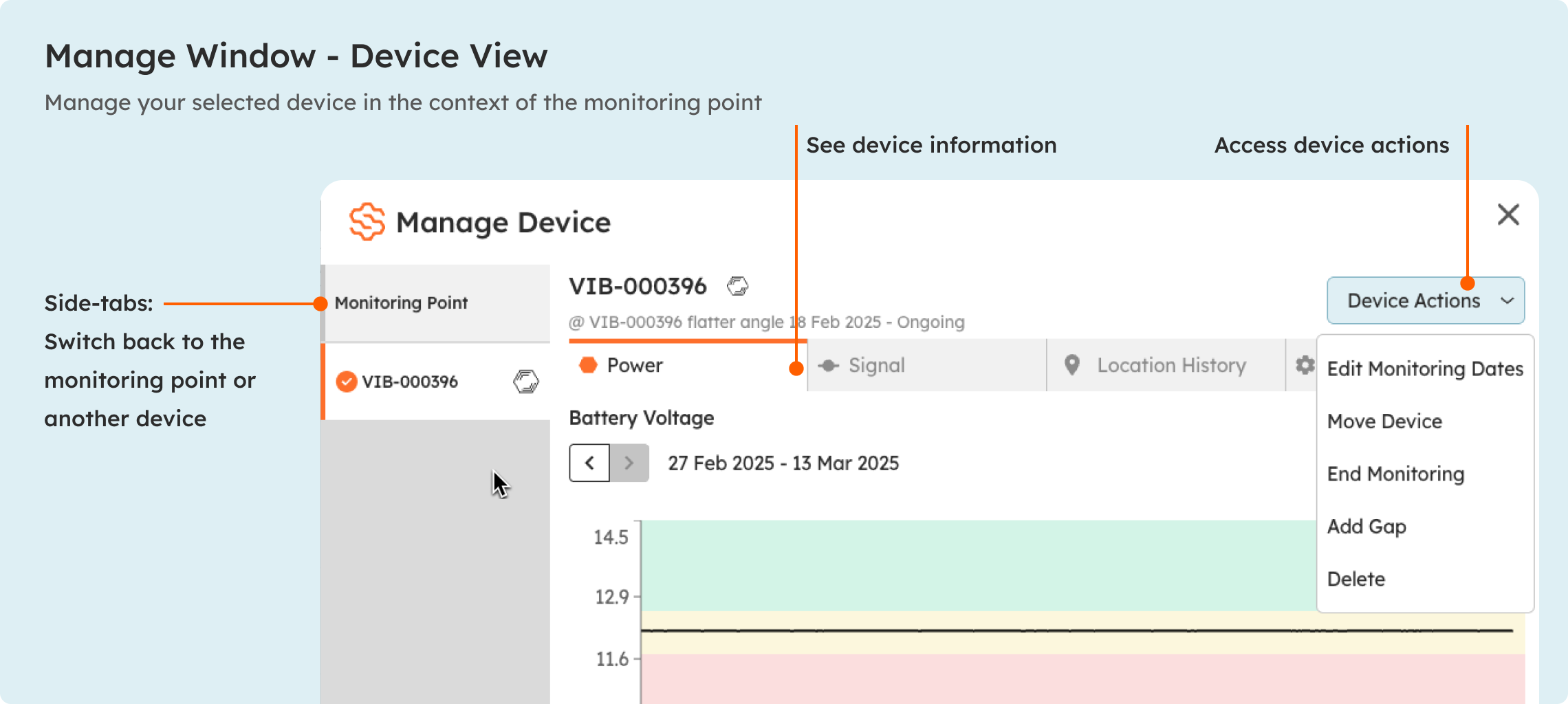
When you have devices assigned to monitoring points and things are up and running, the Manage Window is what you use to update settings, rules and configurations. Click the Manage button at the bottom of the Dashboard side panel. The Manage Window has separate views for monitoring points and devices, so you can switch quickly between them.
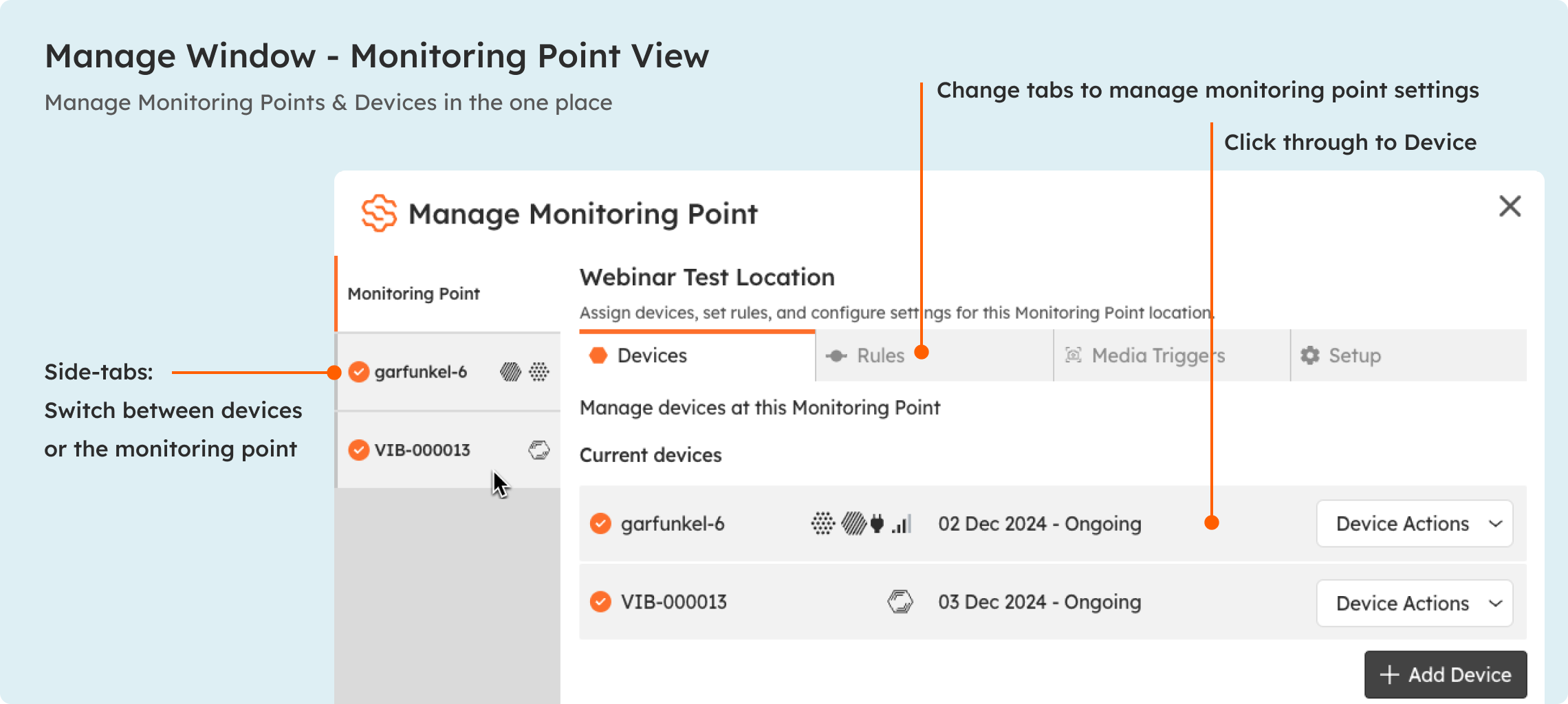
If you select a monitoring point, you will see a list of devices at that location, plus tabs for Rules, Media Triggers and Setup.
And when you select a device, either from the side tabs or the Devices tab, you can see your device information and access Device Actions to manage how it is deployed.
What’s next
Setup Rules and Notifications (get alerts when thresholds are exceeded)
How to orientate your Device (confirm or correct the compass bearing you set in step 3)
New to SiteHive Enviro? SiteHive Enviro - Start Here (the five quick setup steps)