
Water quality monitoring with SiteHive
Track real-time water telemetry and attended lab results on your SiteHive Enviro dashboard, with automated analysis against ANZG water-quality thresholds.
Quick search
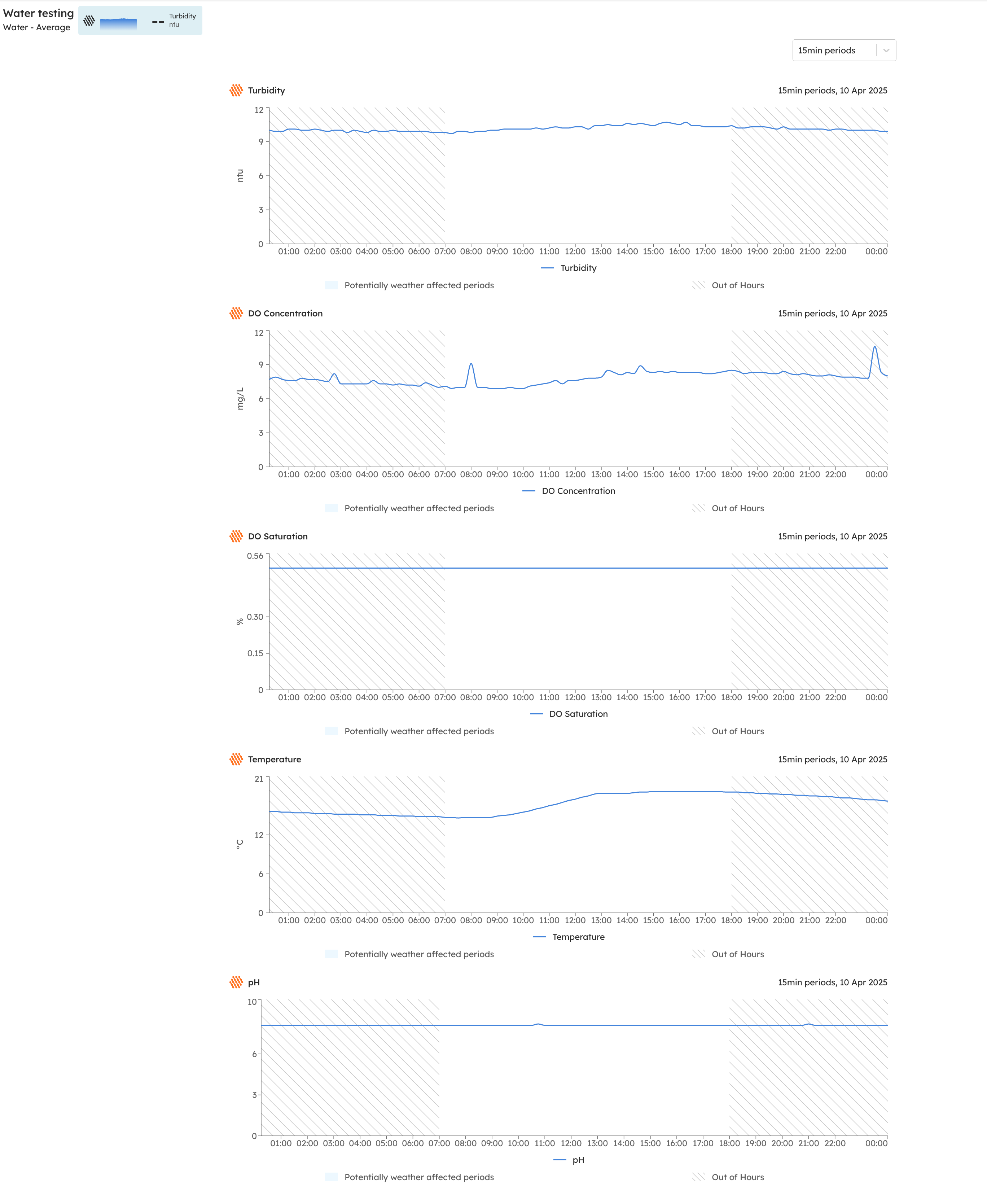
Real-time water
Water monitoring is no longer limited to attended measurements and lab results. You can integrate water telemetry devices to track parameters like turbidity, pH, electrical conductivity and dissolved oxygen concentration in real time.
Contact us to get real-time water up and running on your site.
Surface water monitoring
Surface water monitoring is part of SiteHive Attended, a SiteHive Enviro Pro feature.
SiteHive processes the detailed analysis undertaken by laboratories, covering hundreds of parameters, and makes it immediately available and useful in SiteHive. You can quickly see any non-compliant areas and take action as required.
We have worked with a range of labs, including Eurofins and ALS, to automate the processing of their results. Forward the email you receive from the lab, with its attachments, to SiteHive, and within seconds the results are available and analysed against thresholds.
ℹ️ Not sure where to forward your lab results email? Contact the SiteHive team and we will set this up for your site.

How to find the results
Results are shown per sampled location in the Lab Results section, under Attended:

All the source files from the lab are quickly available in the View Files modal:

Click Apply Thresholds at the top of the table to designate each lab result as marine water or freshwater; the relevant ANZG Guidelines are then applied automatically to each measurement:

Once applied, a table of non-compliant parameters clearly shows any measurements over thresholds, so you can quickly investigate further:
