
The Portfolio page: every site at a glance
The Portfolio page shows all the sites you have access to in one place, with a real-time snapshot of each: active devices, offline devices, the parameters being measured, and daily events.
To access the Portfolio page at any time, simply click the SiteHive logo at the top left of the screen.
SiteHive has an increasing number of clients managing multiple sites concurrently: as managing contractors, for projects with multiple precincts, or as managers at head office. The Portfolio page gives a quick summary of your sites, and you can click through to any site to see its dashboard.
There are three ways to explore and search your sites: List, Map and Device.
View your sites by list
The default view on the Portfolio page is the list view, where you see your sites presented as a set of site cards. You can search, and also toggle between active and complete projects. Simply click on a card to access that site's dashboard.
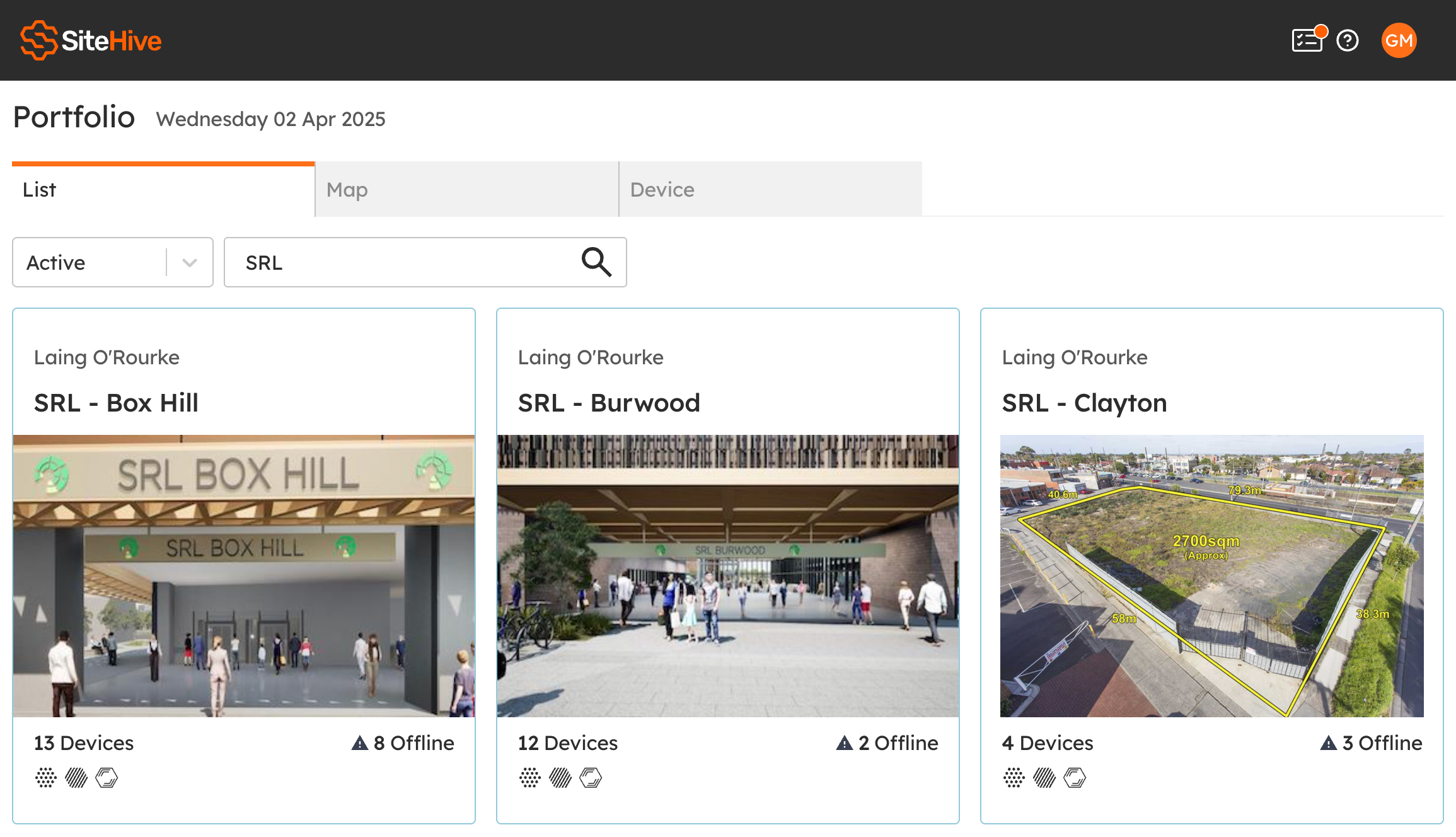
This view shows how many monitoring devices are active on each site
It highlights any devices that are currently offline
Icons show what is being measured on each site (e.g. noise, dust, vibration)
View sites by map
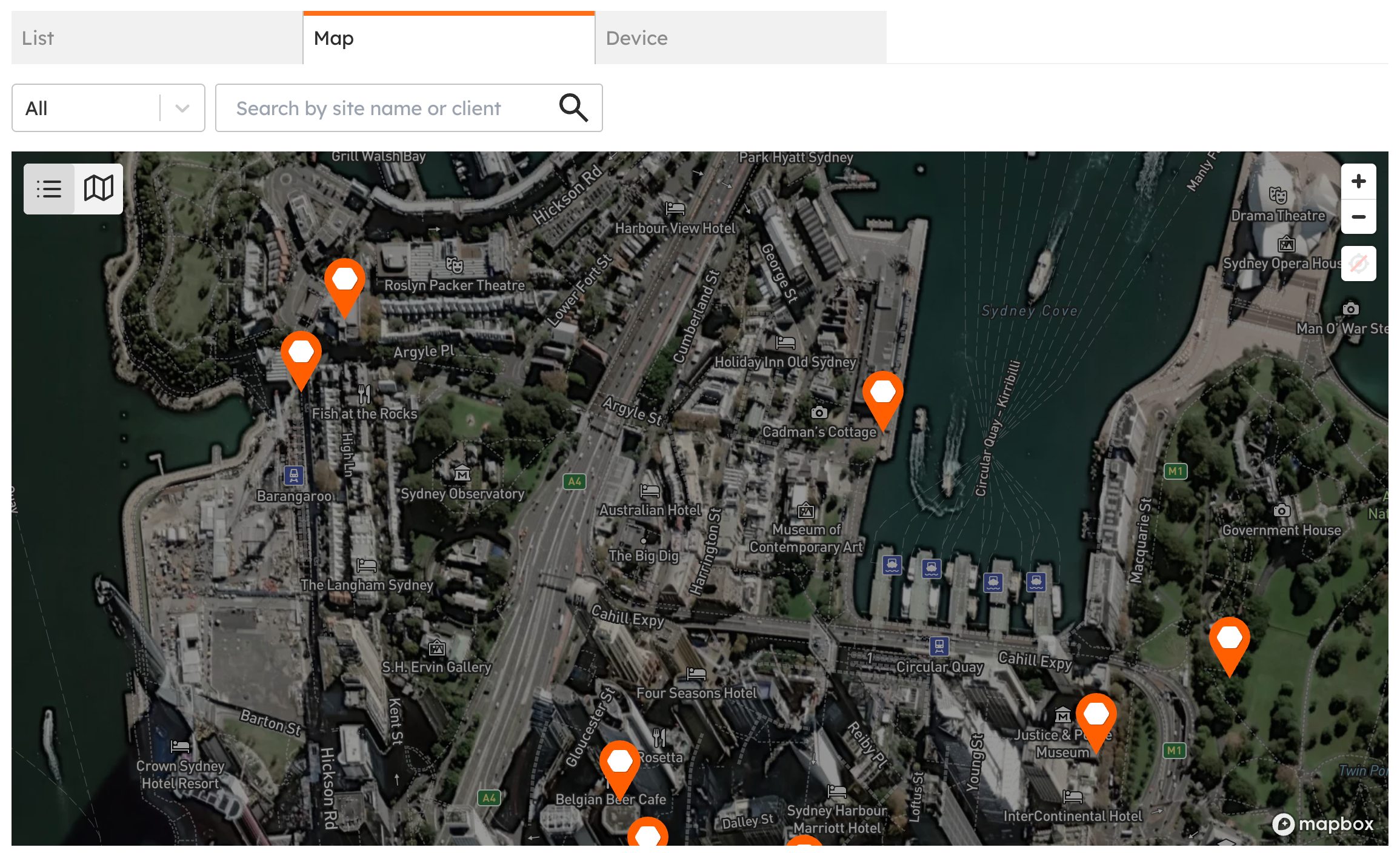
Map view lets you see all your sites on a map, so you can explore them geographically. Click on a site marker, then click through to see that site's dashboard.
View by device
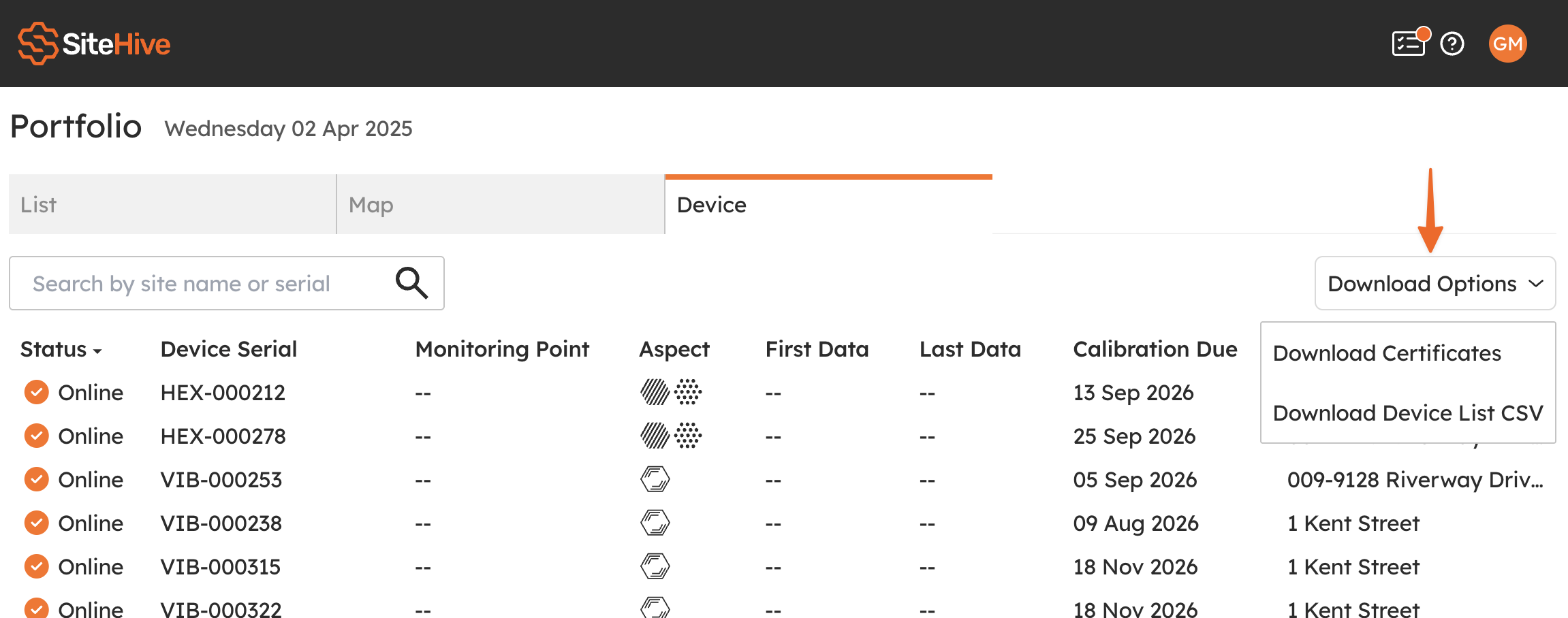
A view of all your devices across all your sites. You can search by site or serial number, and there is a download option to get this list as a CSV.
💡 You can also download all your device certificates in one single download, handy for compliance records.
If you're interested in connecting more of your sites to SiteHive to gain the benefits of real-time environmental management, please don't hesitate to give us a buzz!