
Export a CSV report
CSV reports export your data for a chosen date range, ready for detailed analysis in your own tools. Go to the Reporting > CSV Reports page.
ℹ️ CSV Reports export event data. For summary statistics and data tables, see Stats and analysis.
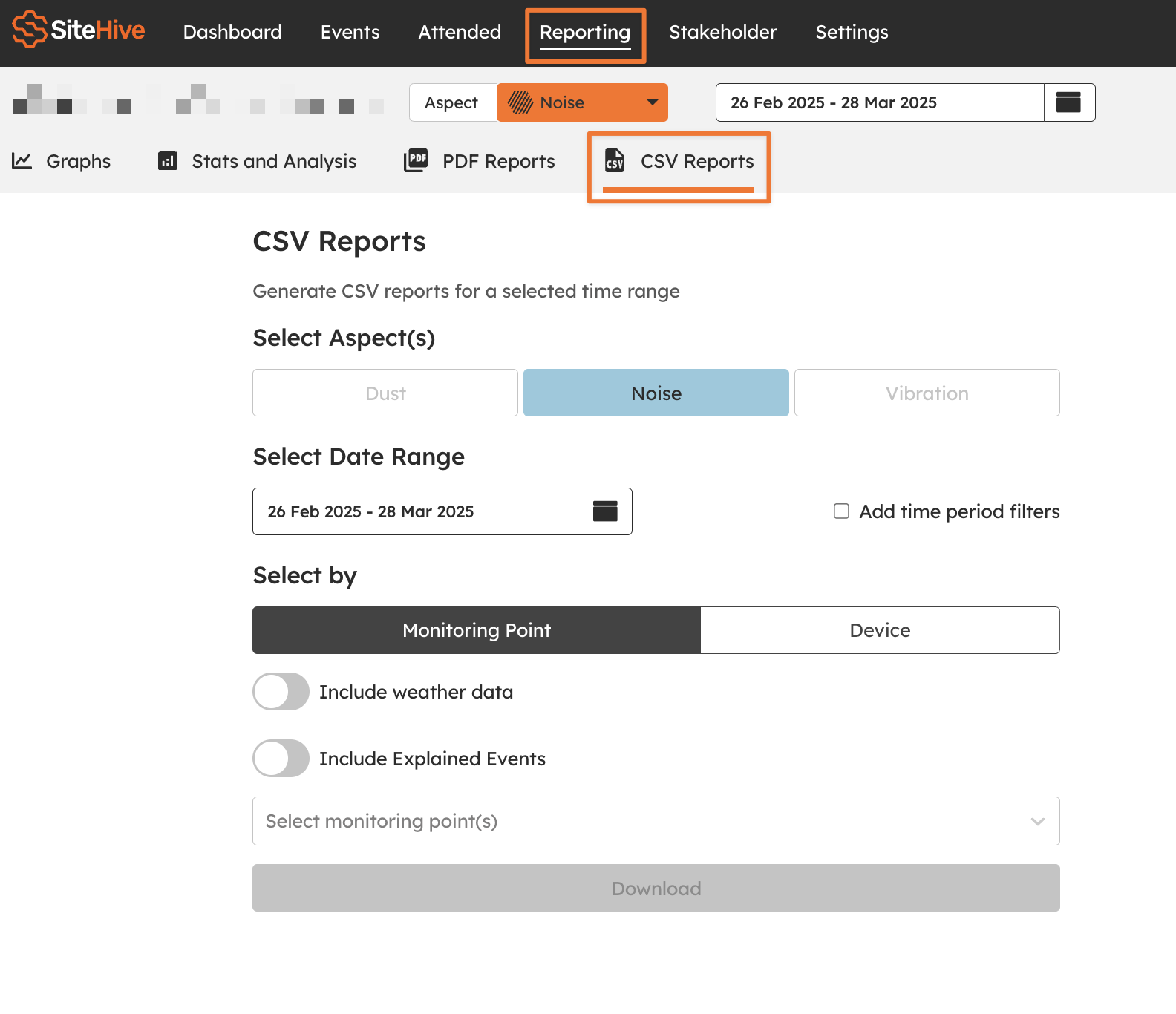
Select the data to export
Choose the aspect or aspects to include: Noise, Dust, Vibration or Weather
Select the date range for your report.
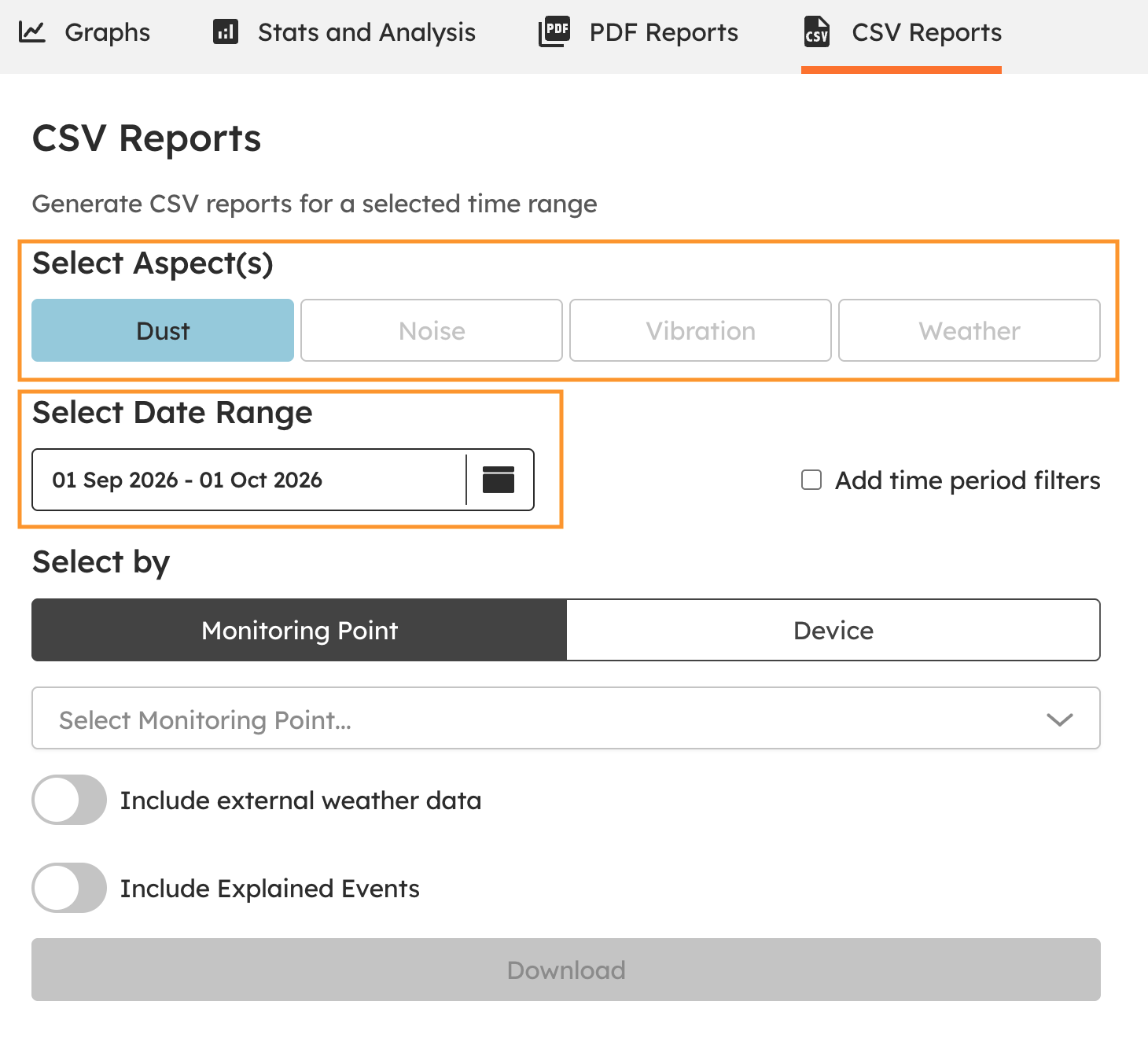
Choose how to filter the data
Select by Monitoring Point and pick the Monitoring Point or Points to export, or select by Device and pick the device or devices.
Turn on Include weather data and choose your data source (OpenWeather, the Bureau of Meteorology, or your own weather station) to add rainfall, wind, temperature, humidity and dew point.
On SiteHive Enviro Pro, turn on Include Explained Events to include events with their explanations (see Events: investigate an exceedance).
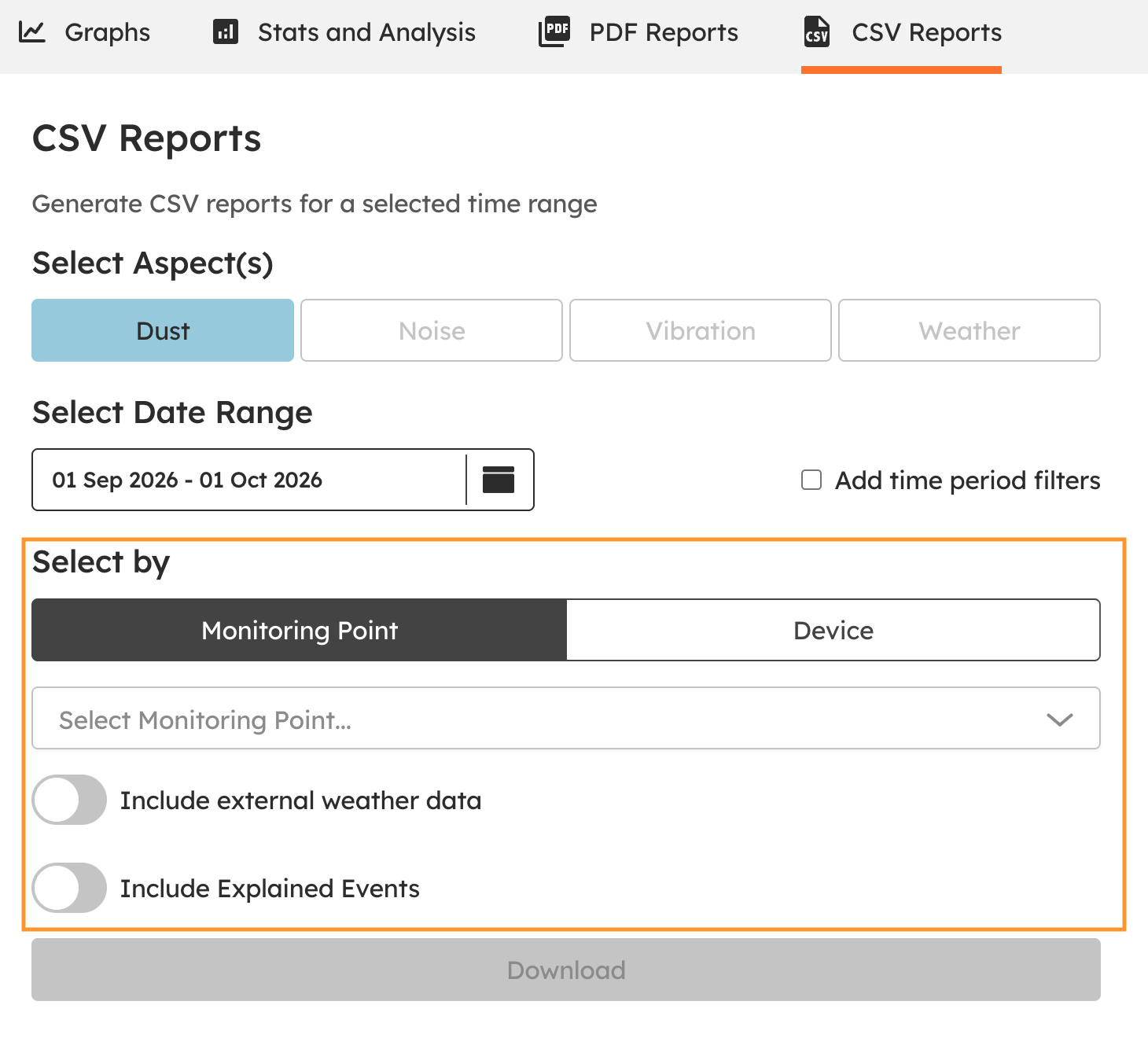
Download the report
Click Download to generate and download your CSV file or files.
What's next
Graph your data (explore and investigate on screen)
Stats and analysis (high-level stats and daily averages)
Create a PDF report (a comprehensive site report)